End Game+

You must save the world like many before you….but perhaps this time, it’s not the best idea!

End Game+ was made for TOJam 9 with the theme of “After YOU!”.

When I heard the theme, I wanted to do a different take on the classic RPG trope of you vs. evil. I thought, what if after killing the end boss, everything went to hell? I think in classic RPGs the reliance on a good vs. evil dynamic is tantamount and so I didn’t feel like sticking to that dynamic so closely. I tried to keep it light however and I hope people who play it enjoy the experience.

Since I made the game by myself (minus the sound and a bit of programming work), I was heavily strapped for time during the whole jam and therefore couldn’t bring the final project as far as I had hoped. However, I focused on making the main idea come through and while it might not be completely transparent due to the lack of story arc, I think it still works well.

I have a usb classic Nintendo controller so I mapped the controls to it for another layer of presentation, however, if you don’t want to deal with that the controls are listed with the download information.

TitleScreen1Instructions

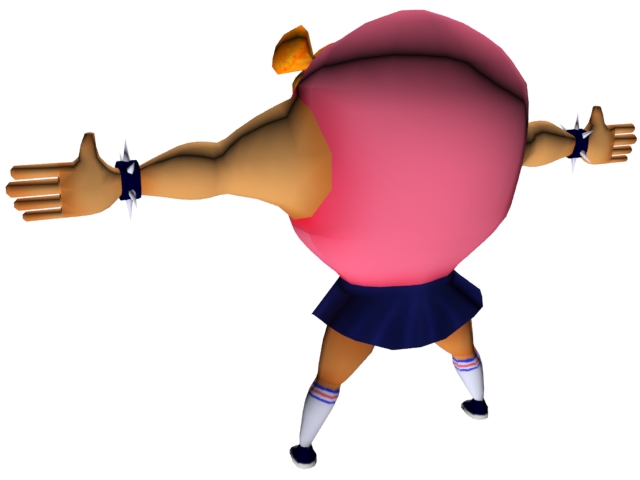
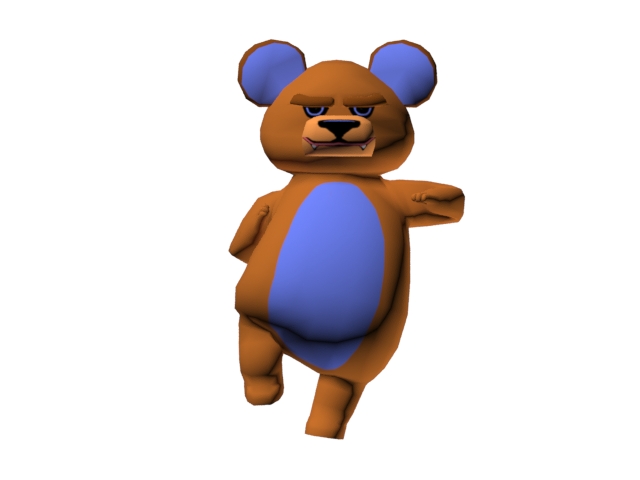
Player_Idle1FinalBoss_Idle1 FinalBoss_MagicSheet

Special thanks:

Programming help: Jord Farrell

Sound: Lucas Branco

How to Play: Arrow keys = move, Space = jump/select

Download:

PC Only: Download Here

RGBeats

RGBeats was done for the Global Game Jam 2014 (completed in Toronto). I completed it in a team with Jord Farrell, Alanna Predko, Saffron Bolduc-Chiong, Emma Burkeitt, Marishka Zachariah, Lucas Branco, & Brenner Pacelli.

The theme for the year was “We don’t see things as they are, we see them as we are.” With this theme, we immediately decided that we wanted to use colours. So we tried to make it that the little TV guy could only interact with the colour they see.

TitleShotRG_Lose_4

Game:

PC: Download Here

Mac: Download Here

Quality Allied Elevators

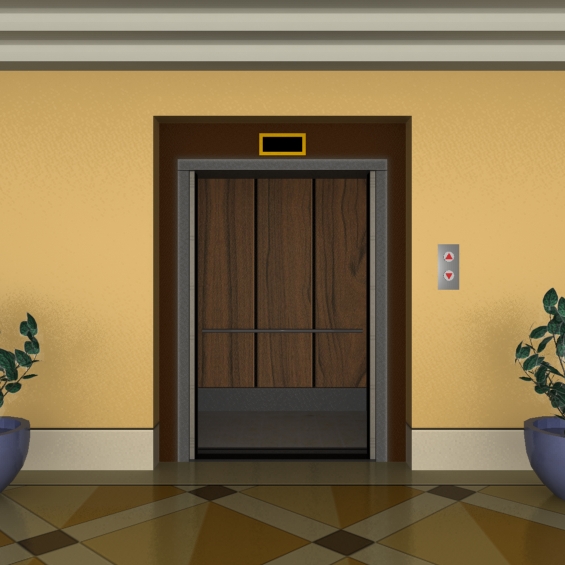
This game was done as a contract for Quality Allied Elevators. I worked on the art assets for the game.

The game played as a “Push your luck” type game where you would select a floor and then get a prize for each floor you visited. I believe it was shown at trade shows where you would then get the prize shown but I’m not fully sure about this.

Title with Destination floor board13 Closed Elevator Doors6 Open Elevator Doors3

Dye

PLAY HERE!

A totalitarian regime has outlawed colour in the world. Raise up and bring colour back to the world! Paint the town or Dye trying!

mockup cover

Check out the Trailer

COME CHECK US OUT AT LEVEL UP SHOWCASE 2014! April 4th,5-10 pm at the Design Exchange

Description:

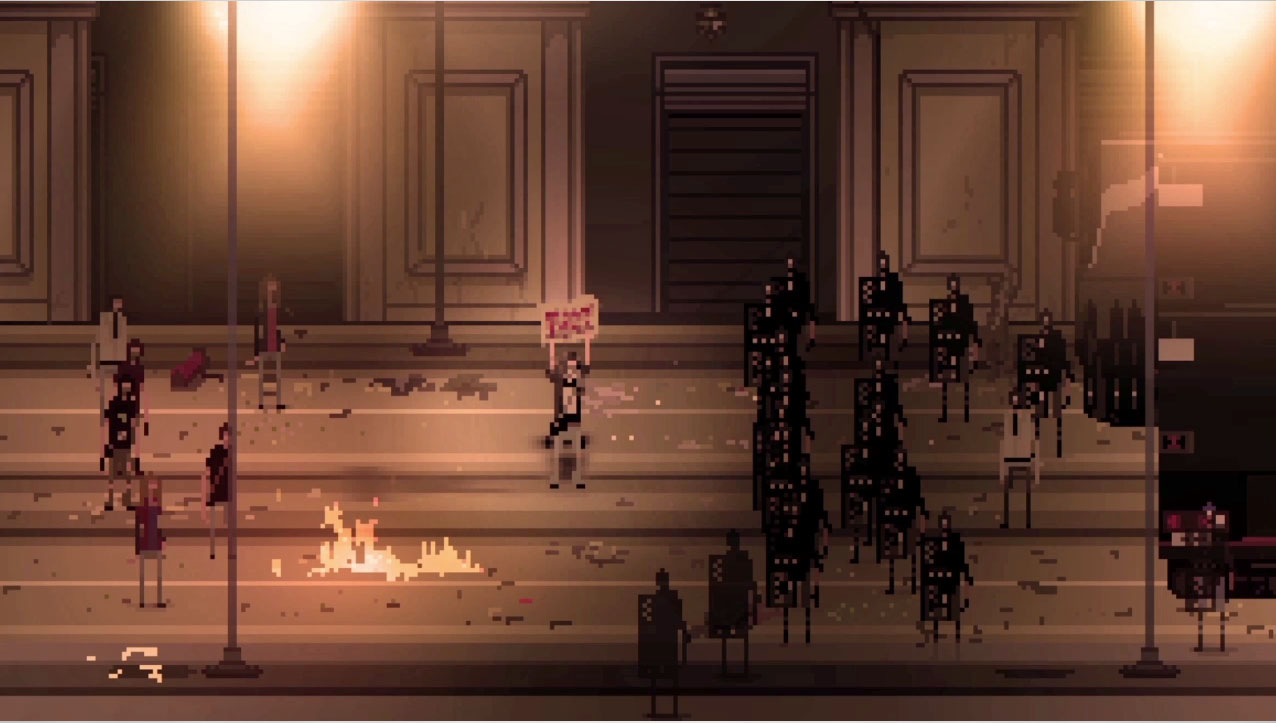
Dye is a 2.5 D side scrolling platform shooter. It takes place on a 2D plane but the models are 3D. The game takes place in a world where the government, Cinis, has taken control and outlawed the use of colour. The rebellion, Dye, has risen up to oppose this ban and bring colour back to the world.

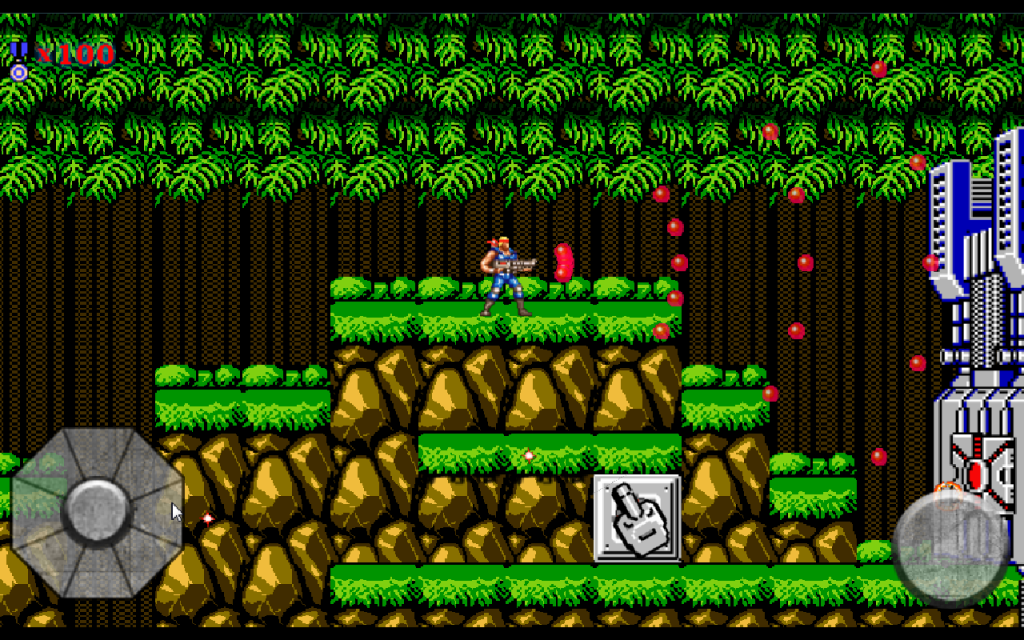
The player runs, aims, shoots, and jumps to achieve their goal of overthrowing the government. The gameplay is reminiscent of games such as Contra or Metal Slug, however, instead of being a straight run to the right, Dye incorporates the need to fight up and over buildings.

Can you overthrow the government or will you be de-saturated into oblivion?

Development:

Dye went through many developmental phases. Originally, it was meant to be a choice between colour and monochrome. You would play a character that got to choose sides and fight for or against the rebellion. This was later dropped to streamline our deadline and the choice turned to a selection screen at the beginning, which was also dropped. In the end, we just made the player have to play the rebel. This was mostly done due to deadline limitations but on retrospect it works better for the overall narrative. The choice isn’t wholly necessary but was more of a design choice to allow the player some control over their choices.

Inspiration

Dye was conceived as a diametric fight between two opposing factions. It was meant to be about affecting your environment through the use of paint. We wanted the colours in the game to play against each other and be central to the game. We looked at games that dealt with colour really well such as Unfinished Swan and Flower.

swan181947-468x-UPM111.rev_flower.grab06--screenshot

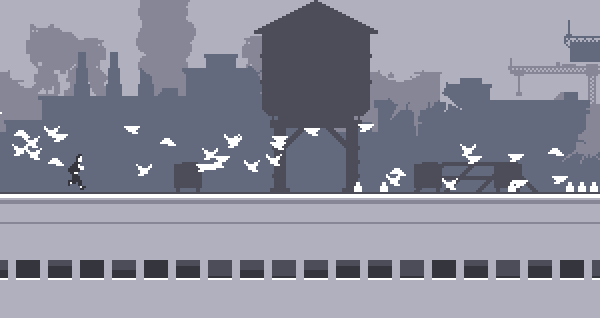
The game was going to be a 2D platformer with 3D graphics so we looked for inspiration from 2D side scrolling games such as Canabalt and Contra. We took inspiration of the game setting from dystopian environments, preferring to make the game feel like an actual city but with an oppressive government. The ideal of a broken down city didn’t appeal to us but we took it as a sign of what could possibly happen in the future of our world.

AelJ8c7canabaltgame-contraOnettbrawlkrzero0111131600jpg-9b981c

Concept

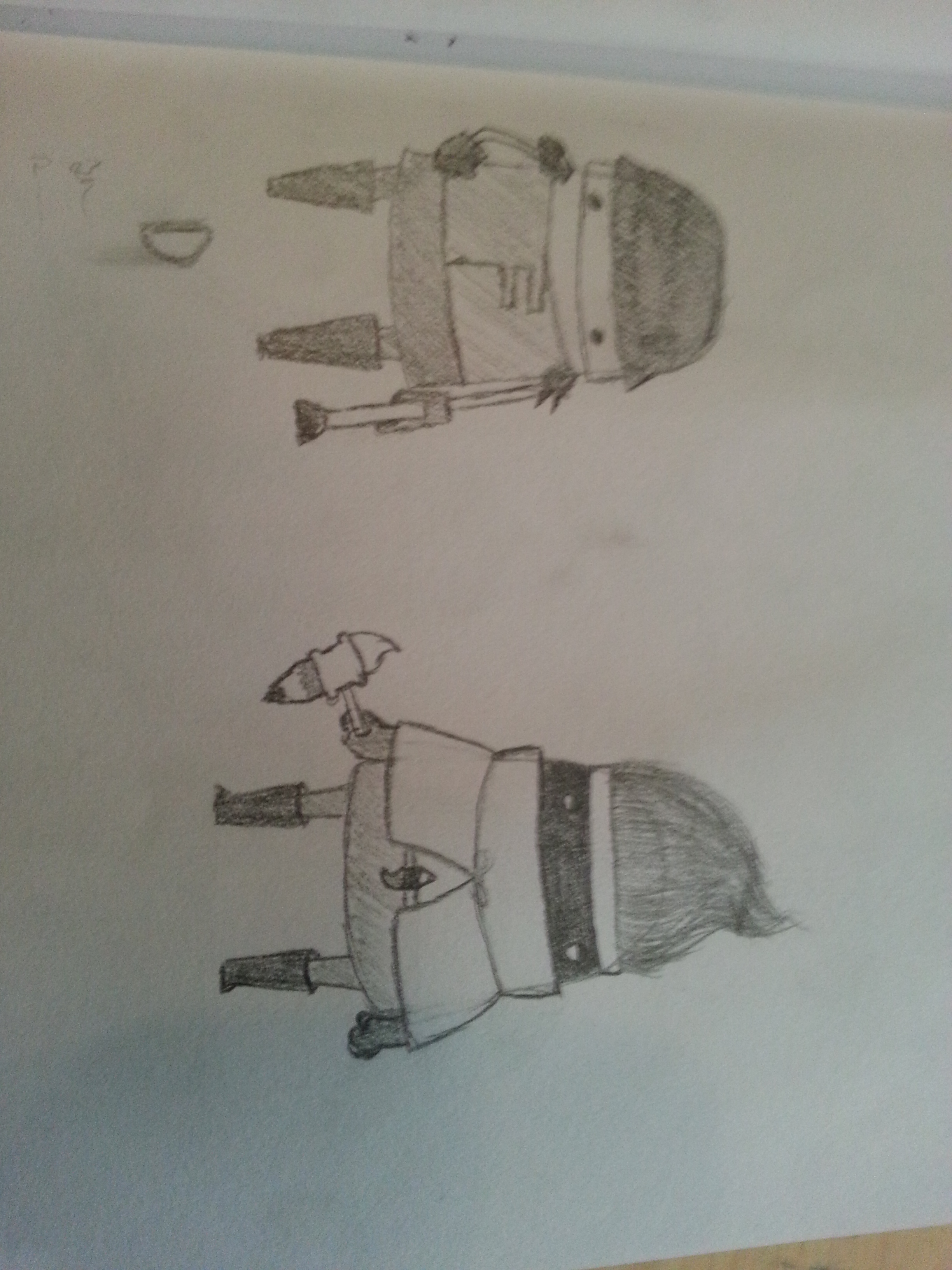
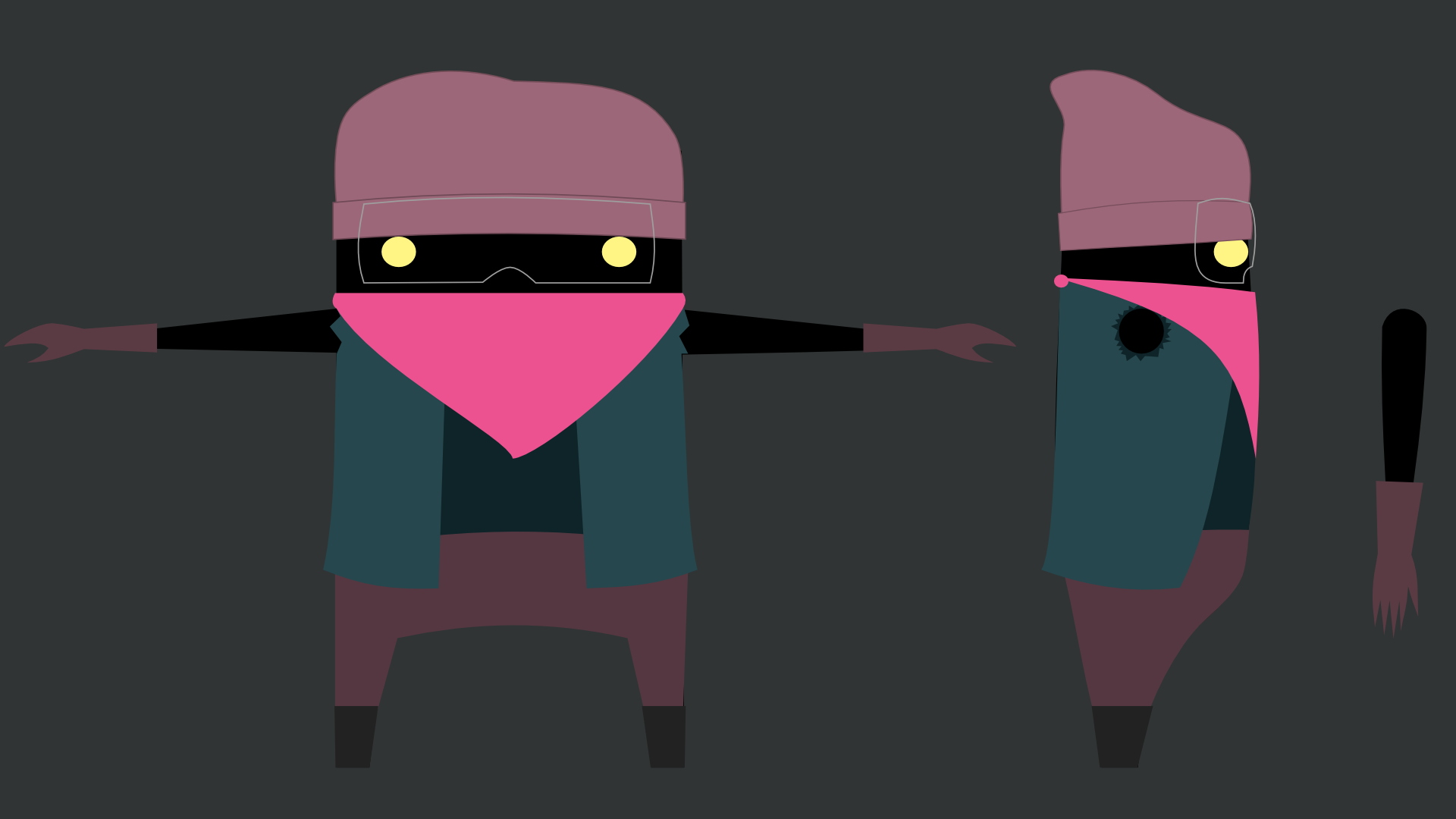
We had to develop on a schedule so we got right to conceptualizing the, at the time, player and two enemies. We wanted the soldiers to look very institutionalized and rigid. Very structured and with little room for individuality. The rebel needed to look the exact opposite but within the same universe. So we tried for a more anarchist, splattered and loose appearance. The player model (which was later dropped) was meant to combine the two other models into one. Since originally we wanted to give the player the option of choosing sides throughout the game, we couldn’t have the player resemble either faction wholly. We also wanted it to be faceless so that the player could project themselves onto the player model.

20140117_135103 20140117_135117 20140117_135205Player_Soldier_Character_Sheet

Cinis_Soldier_Character_Sheet Dye_Rebel_Character_Sheet

We wanted the colours to be simple but diametrically opposite. So we did a colour test to demonstrate the original idea of going from full black and white to full colour. Later on we changed it to only grayscale to full colour.

Judge_BWr  Judge_Monochrome2  Judge_Full_Colour2

Future Directions:

In the future, we’d like to develop the game further. We would like to add multiple levels and an overarching story line. It would be really awesome to give two separate story lines to allow the player to choose between playing as Cinis or Dye.

For now, we hope to polish the game further before the Level Up show this year. We will finish the level we have and polish it – upgrading the controls, flow of the game and a few other things.

Links:

The game is set up to be played with an Xbox 360 Controller

Demo (PC): Download Here (17.7 MB)

Demo (Mac): Download Here (22.8 MB)

Credit:

Brenner Pacelli

Ton Candido

Lucas Branco

Corey Dean

6 Hour Game Jam – Daydream

This game was made for a course I’m auditing. It was made in 6 hours (crazy!).

The game is about our groups personal experience in class which is that we always daydream. In the game, you have to pay attention to the teacher when he’s looking at you otherwise you get caught. When he’s not looking at you though, daydream away!

Controls:

Hold Space – Pay Attention

(when daydreaming) Arrows – Movement

Links:

PC: Download Here
MacDownload Here

One Shot, One Kill (Ludum Dare – You Only Get One)

Over the winter break, I happened to participate in the Ludum Dare with my friend Lucas (@blankluke). The theme was “You Only Get One” so we decided to make a game where you only had one shot in your gun.

You play a thief needing to get out of a building but you only have one bullet in your gun. Lucky you, nothing stops it once it gets going! It will kill anyone in it’s path and walls don’t stop it.

Good luck escaping!

You can also find it here: http://www.ludumdare.com/compo/ludum-dare-28/?action=preview&q=One+Shot%2C+One+Kill

Links

Code: Download Here
PC: Download Here
Mac: Download Here

Past Projects

Here are some past games I’ve worked on but have been overly swamped with work to post links to. The documentation is all on other websites from other group members so don’t mind the link.

Candle – Link

A game where you are trapped in a hedge maze and must escape without being captured by monsters. All you have is a candle to hide your presence from the monsters.

This game requires a periferal set up of a light sensor through Arduino and foot-pads (though the game can be played with the arrow keys).

Downloadable exe (PC only): https://www.dropbox.com/s/fukwvo5hij3rfmy/Candle.zip

Light in the Dark – Link

You control a Lighthouse Keeper in the historical game. Can you save the HMS Argyll from its fate or will history repeat itself?

Point and click to guide the ship around the rocks and to the dock for safety.

Downloadable exe (PC only): https://www.dropbox.com/s/p4zvujnc18cdb1q/Light%20in%20the%20Dark%20-%20Game.zip

WIM:se – Link

WIM:se is a world builder. You can create sculptures or pieces to your liking and interact with them in real time.

Controls:

Movement
W: Move forward
A: Move left
S: Move backward
D: Move right
Space bar: Jump
Mouse move: Move Camera

Object Creation
Left Click: Create Object
Right Click: Delete Object
Middle Mouse Button or C: Bring up/Bring down the Object & Texture menu
Q: Go to Object Select (when menu is up)
E: Go to Texture Select (when menu is up)
Scroll Wheel: Cycle through Objects or Textures (when menu is up)

P: Reset level

Downloadable exe (Mac): https://www.dropbox.com/s/5dlxdtm0brv4i5i/WIMse%20with%20GUI%20%28Mac%29.zip

Downloadable exe (PC): https://www.dropbox.com/s/0wj7cdqwukwgfi2/WIMse%20with%20GUI%20%28PC%29.rar